If you've spent any time researching contractor software, you've seen the same four names: Kickserv, Jobber, Housecall Pro, and now Senku. The marketing pages all sound the same. The pricing pages are written to confuse you. So here's an honest take from someone who's used all four and built one of them.
This is written from the perspective of a solo or small-crew operator — under 5 employees, doing maybe 5 to 30 estimates a month. If you're running a 50-person commercial GC shop, your tradeoffs are different and this comparison won't help you.
What everyone gets right
All four platforms cover the same basic loop: contact lands, estimate goes out, customer signs, you collect payment, the job runs, you invoice. Scheduling, dispatching, basic CRM, mobile apps, Stripe integration — table stakes everywhere.
So the question isn't really about features. It's about where each one hurts.
Kickserv
Where it wins: the cheapest of the four. $19/mo entry, free for up to 2 users (true free, not a trial).
Where it hurts: the interface looks like it was designed in 2014. Workflow assumptions are weirdly opinionated — it expects you to use their "opportunity" model rather than just creating estimates directly. Customer portal exists but feels bolted on. No built-in AI assistance for estimate drafting.
Best for: very price-sensitive solo operators who don't mind a dated UI and don't need AI.
Jobber
Where it wins: mature, well-supported, real marketplace integrations. Good route optimization and time tracking. Customer notifications are polished.
Where it hurts: $69/mo for a single user. The customer portal requires the customer to set up an account — kills conversion on jobs where the customer just wants to see the estimate and click pay. SMS is bolted on as an add-on, not a first-class feature. No AI line-item generation.
Best for: established crews who've outgrown spreadsheets, have steady cash flow, and want the most mature option.
Housecall Pro
Where it wins: the best mobile UX of the four. Strong scheduling, dispatch, and basic marketing automation. Good for businesses with field-heavy workflows.
Where it hurts: $79/mo entry. Locks key features (online booking, marketing tools) behind higher tiers — what looks like $79/mo often becomes $179 once you actually need the features. Customer portal is functional but not flexible. No AI.
Best for: service businesses with multiple crews where dispatch and routing matter most.
Senku
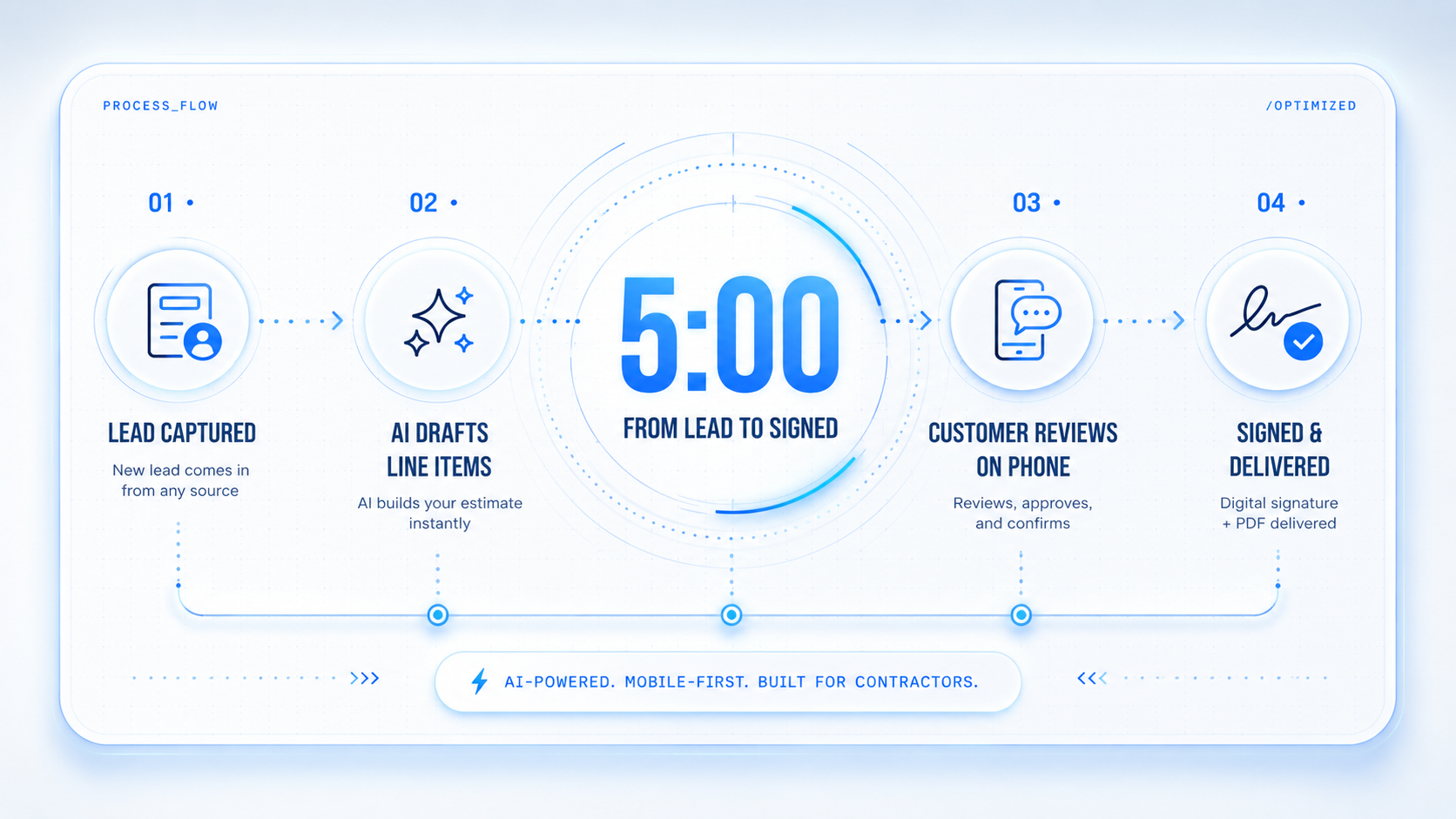
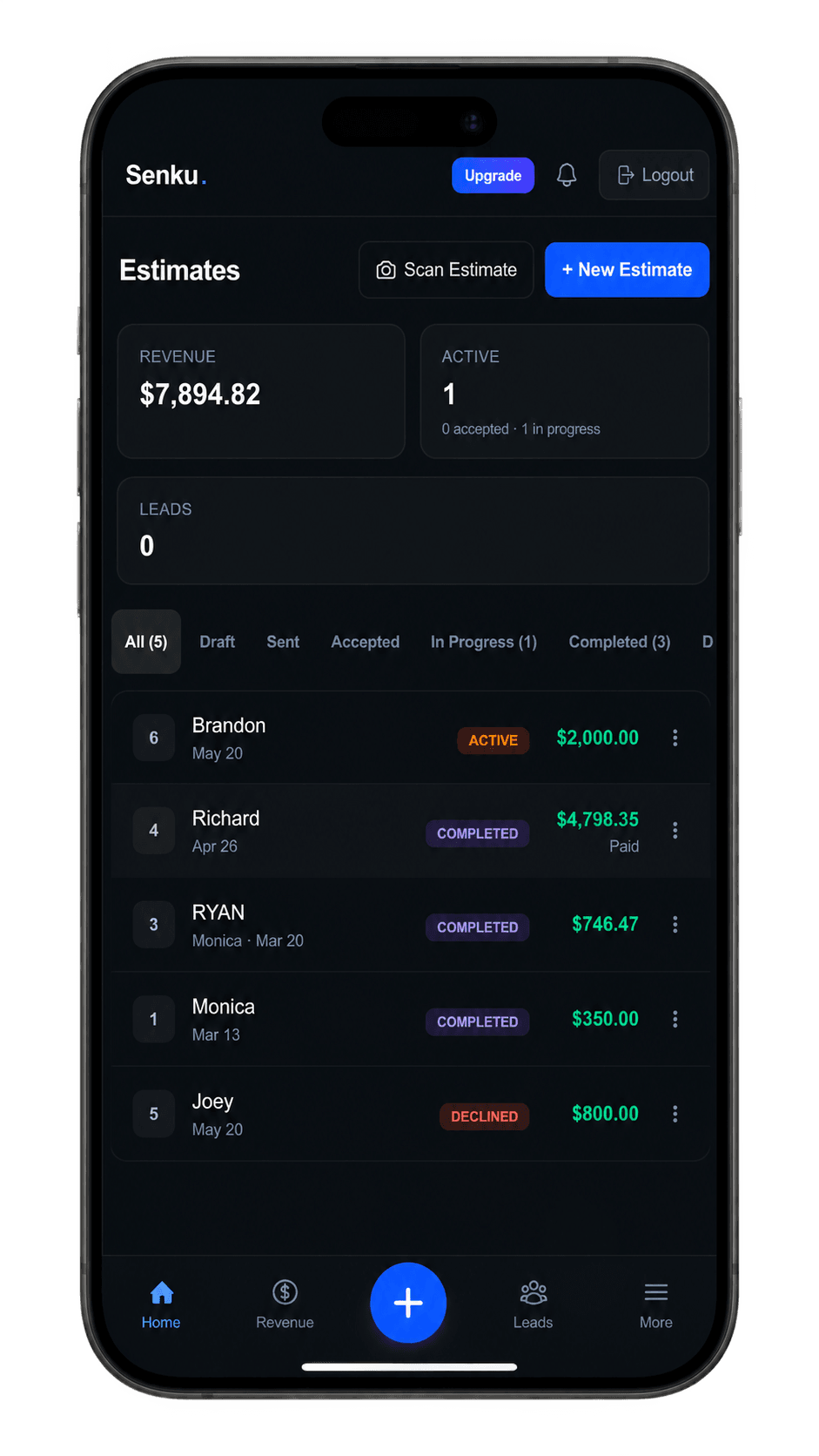
Where it wins: $0 free tier that actually does something. $15/mo Starter. Customer portal that doesn't require a customer login — token-based, mobile-first, opens in any browser. AI line-item generation from a one-sentence scope. SMS estimates are first-class. Lead-capture quiz built in. Tenant-owned Stripe so you never have funds held by us.
Where it hurts: brand-new product. Smaller user base means smaller community and fewer third-party integrations. No QuickBooks Online sync yet (CSV export works, but it's a manual step). Mobile native apps are a roadmap item — today Senku is a PWA you add to your home screen.
Best for: solo and small-crew operators who want modern tooling, fair pricing, and a customer experience that converts.
What we won't pretend
Senku doesn't have:
- A 10-year track record (we shipped V1 in 2025).
- A nationwide partner network like Housecall's.
- Marketplace integrations with QuickBooks Desktop, Xero, or NetSuite.
- A 24/7 phone support line.
If those things are non-negotiable for you, we're the wrong fit. Tell us — we'd rather you find what you need than churn in month three.
How to actually decide
Don't pick on price alone. Don't pick on features alone. Pick on the one workflow that hurts most in your current setup:
- Slow estimating? Senku's AI line-item generator and Housecall's quoting tools both help; Senku is cheaper.
- Customer ghosting after the estimate? Senku's no-login customer portal and SMS estimate flow are designed for this. Jobber requires customer signup.
- Payment collection delays? All four integrate Stripe. Senku is the only one with tenant-owned Stripe accounts and integrated Venmo + Zelle alongside.
- Crew coordination? Housecall Pro's dispatch is best-in-class. Senku has a worker kiosk and live ops view; Jobber has solid time tracking.
Then pick whatever fits that workflow, and accept that the other three would have hurt somewhere else.
Try before you commit
All four have free trials. Senku's free tier is genuinely free — no card, no 14-day countdown. You can use it forever on basic estimating. Sign up, send two estimates, and you'll know in a week whether the workflow fits.
If it doesn't, we'd actually rather you switch than stay frustrated. The contractor world is small and we're playing the long game.